Microsoft’s August 2026 Updates: Why “We’ll Patch It Later” Isn’t a Security Strategy
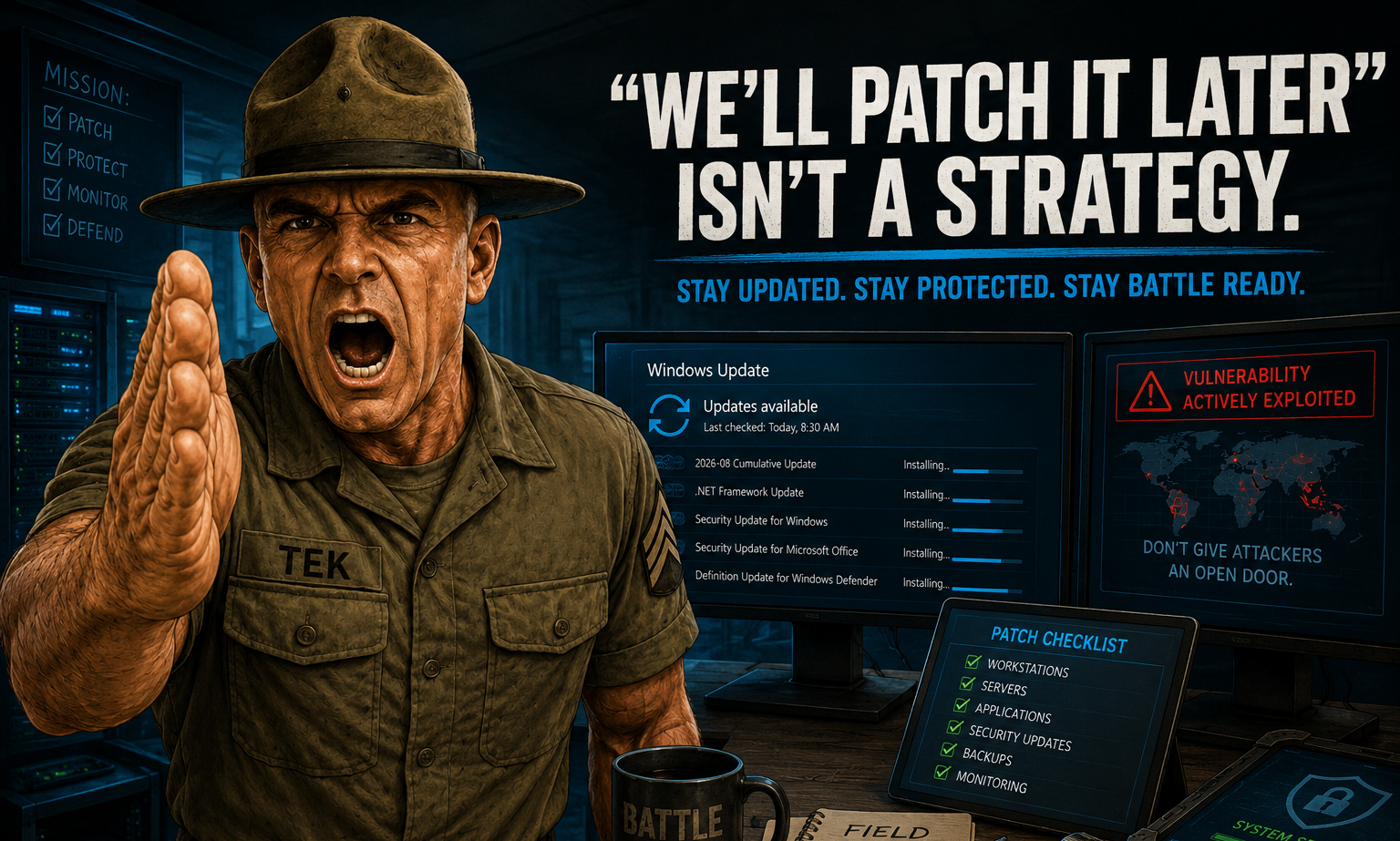
It’s Easy to Ignore a Windows Update
You’ve probably seen the notification before. Your computer needs to restart, Windows has updates waiting, and you’re in the middle of something important. So you click “Remind me later.”
Then you forget about it.
For a home computer, that might not seem like a big deal. In a business environment, however, putting off security updates can create a much bigger problem.
Microsoft’s August 2026 security updates are a good reminder. This month, Microsoft addressed more than 400 security vulnerabilities, including a Windows vulnerability that was already being actively exploited.
The takeaway isn't to panic every time an update appears. It’s to have a plan for making sure important updates actually get installed.
What Is Patch Tuesday?
Patch Tuesday is Microsoft's regular monthly security update cycle, generally occurring on the second Tuesday of each month.
These updates fix security vulnerabilities, improve reliability, and address other issues across Windows and Microsoft products.
Some vulnerabilities are minor. Others can allow attackers to execute code, gain additional privileges, or gain access to systems they shouldn't have.
That's why “Windows updates automatically” isn't the same as having a patch-management strategy.
Why Should a Business Care?
A vulnerability doesn't have to affect your entire company to become a problem.
One vulnerable workstation can give an attacker a foothold inside your network.
Once inside, an attacker may look for other computers, servers, shared folders, administrator accounts, and other resources they can access.
That's why cybersecurity isn't just about protecting individual computers. It's about protecting the entire environment.
“But Windows Updates Are Already Enabled”
Having Windows Update enabled is better than turning it off, but automatic updates don't tell you whether everything actually installed successfully.
Businesses should know:
- Which devices are fully patched?
- Which devices are missing updates?
- Are updates failing?
- Are servers being updated?
- What happens when an update causes a problem?
If nobody is monitoring those things, you may not know whether your environment is actually protected.
That's the difference between updates happening and patch management.
Don't Forget Your Servers
Updating a workstation is one thing. Updating a server that your entire business depends on is another.
Servers may handle file shares, applications, databases, authentication, DNS, remote access, and other critical services.
If you're running on-premises Exchange Server, it deserves particular attention. Exchange is a high-value target because it sits at the center of your company's email environment.
Exchange shouldn't be treated like another application that can be updated whenever someone gets around to it.
Patching Isn't Just Clicking “Install”
A good patch-management process involves monitoring, scheduling, testing, and following up when something doesn't install correctly.
A computer might be powered off. A laptop might be sitting unused for weeks. A server might have compatibility or storage issues.
If an IT provider manages 100 computers and Microsoft releases an important security update, they should be able to answer one simple question:
“How many are patched, and which ones aren't?”
What Does an MSP Do?
A good MSP uses centralized tools to monitor systems, identify missing patches, schedule deployments, and verify that updates were successfully installed.
Updates can also be deployed in stages, allowing IT teams to catch problems before they affect the entire organization.
What Should You Ask Your IT Provider?
Don't just ask, “Are our computers updated?”
Ask:
- How do you monitor our patch status?
- How quickly do you deploy critical updates?
- Can you tell me which devices are missing patches?
- How are our servers handled?
- How do you handle failed updates?
If the answer is simply “Windows does it automatically,” you may want to ask a few more questions.
“We’ll Patch It Later” Is Not a Strategy
We understand why businesses delay updates. People are busy, employees don't want to restart their computers during the workday, and servers can't always be rebooted immediately.
There are legitimate reasons to schedule updates.
But there's a big difference between delaying an update because you have a plan and delaying it because nobody is responsible for it.
The first is IT management.
The second is hoping nothing happens.
Hoping isn't a security strategy.
Battle Ready IT Starts With the Basics
At Technologik Solutions, we believe good cybersecurity starts with getting the fundamentals right and consistently managing them.
That means keeping systems patched, monitoring endpoints, protecting accounts, securing Microsoft 365, maintaining reliable backups, and knowing what's happening across your network.
A missed security update may seem like a small problem today. It can become a very big problem tomorrow.
Is Your Business Actually Up to Date?
If you aren't sure whether your computers, servers, and Microsoft environment are being properly patched and monitored, we'd be happy to take a look.
Technologik Solutions provides managed IT, cybersecurity, Microsoft 365, backup, and network services designed to keep your business Battle Ready.
Contact us today to learn how we can help keep your technology secure, updated, and running smoothly.
Comments
Add a comment
Comments are reviewed before they appear.
No comments yet. Be the first.